 NOXIRA
TWO IMAGES
AI character portraits with a reference image
Use one fictional adult character image and one reference to guide the look of a new portrait.
- Custom-mode inputs
- 2 images
- Generation cost
- 1 diamonds
- Your written prompt
- Not needed
For fictional adult characters. Ready-made styles may supply part of the input.
HOW THIS MODE WORKS
Character + reference
Give your character a new look.
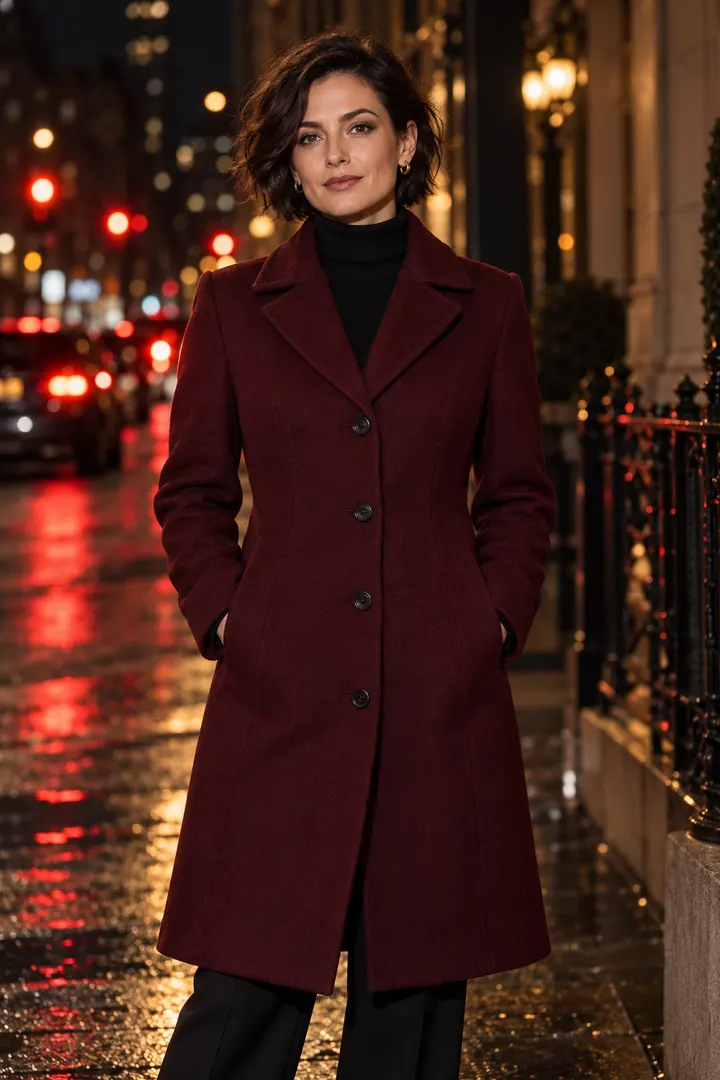
The first image supplies the character; the second guides the new look. This mode does not require a written prompt. When you choose a ready-made style in the studio, that style supplies the reference and you only upload the character image.
- Step 1
Choose a clear image of your fictional adult character.
- Step 2
Add a second image as the visual reference.
- Step 3
Generate, review the result and download it from your gallery.
Get a more consistent result.
Use a reference with a clear outfit, composition and lighting. Large differences in pose or framing can make matching less reliable.
AI results can differ from your references. If a completed or failed creation needs review, submit it through Feedback. Administrators may award bonus diamonds after review; bonus diamonds cannot unlock clear trial images.
Compare diamond packs and allowances →Explore the other modes.
Character + prompt
Combine a fictional adult character image with a written description of the scene, clothing and lighting.
Explore this mode MIX YOUR REFERENCESMultiple references
Bring character and visual references together with a prompt that explains how each image should be used.
Explore this mode ONE IMAGEInstant portrait
Choose a ready-made look and create a portrait from one fictional adult character image, with no prompt to write.
Explore this mode